
Delletto
Swipe through your photos and decide what stays.
iPhoneiOS 17 or later
No public download yet. iPhone apps need the App Store or TestFlight.
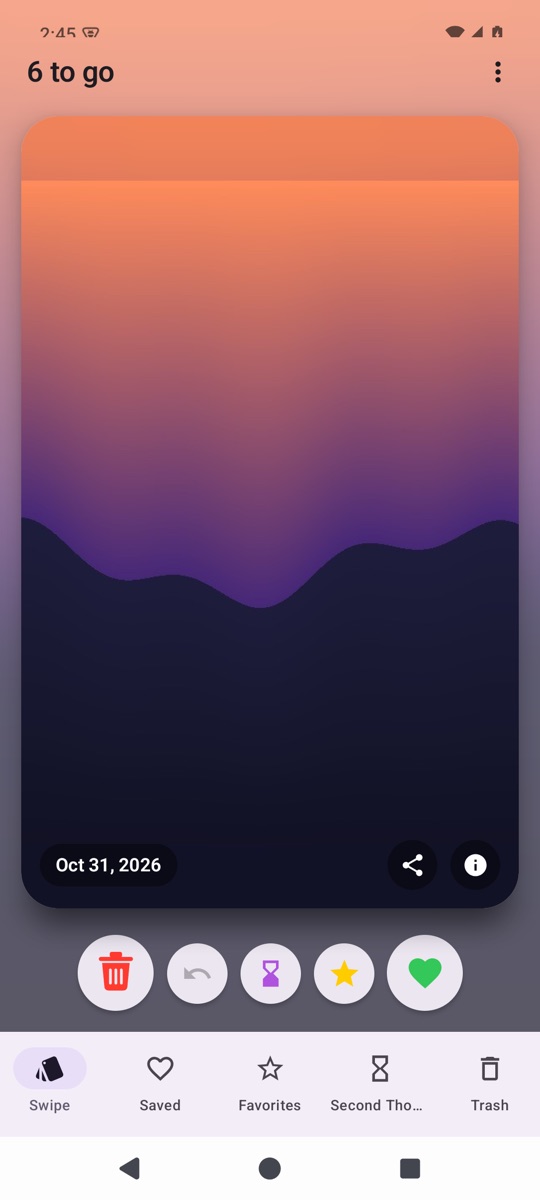
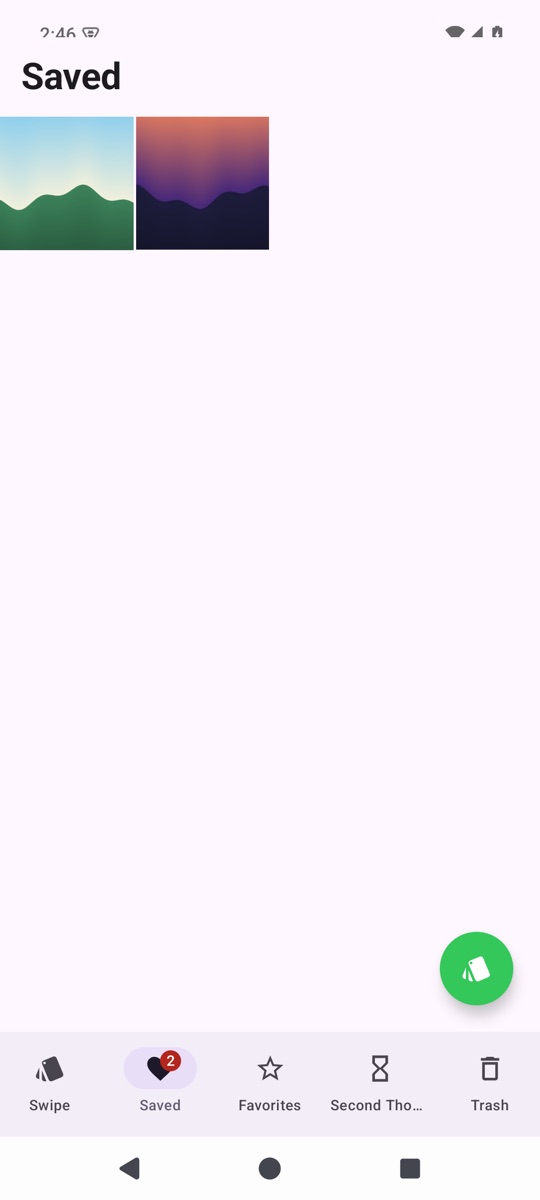
Delletto turns clearing out your camera roll into a quick swipe deck. Each photo gets one decision: keep it, favorite it, think it over or delete it. Nothing is gone for good until you confirm.
What it does
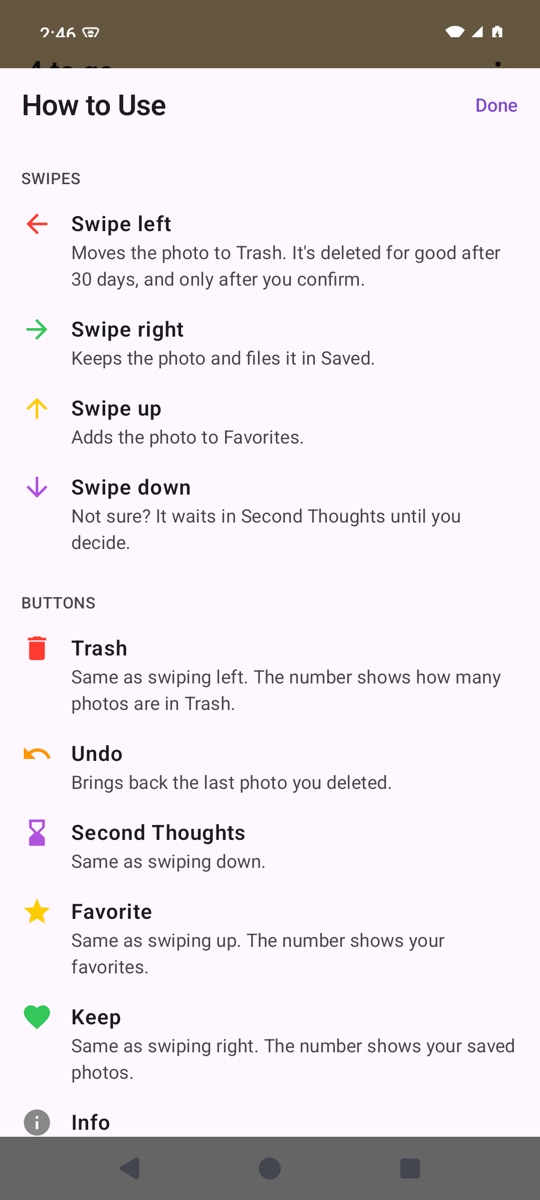
Swipe left to delete
The photo moves to Trash and is deleted for good after 30 days, and only after you confirm.
Swipe right to keep
The photo is filed in Saved.
Swipe up to favorite
The photo goes to Favorites.
Swipe down if unsure
It waits in Second Thoughts until you decide.
Undo and Cancel All
Bring back the last photo, or start over with every photo back in the deck.
Photo details
See when and where a photo was taken, plus camera and file details.
Getting started
- Download the file on your phone and open it.
- If Android asks, allow your browser to install apps.
- Open Delletto and give it access to your photos.
Good to know
- This is a test build, so Android will warn that it comes from an unknown source.
File checksums (SHA-256)
- Delletto-1.0-android.apk
cc569fef705d2e8cfc23ed9ca9f1b31128944308182bc6c98e8bb4cebc103486