Screen Swap for Dual Screen Handhelds
Hold Back to move an app to the other screen.
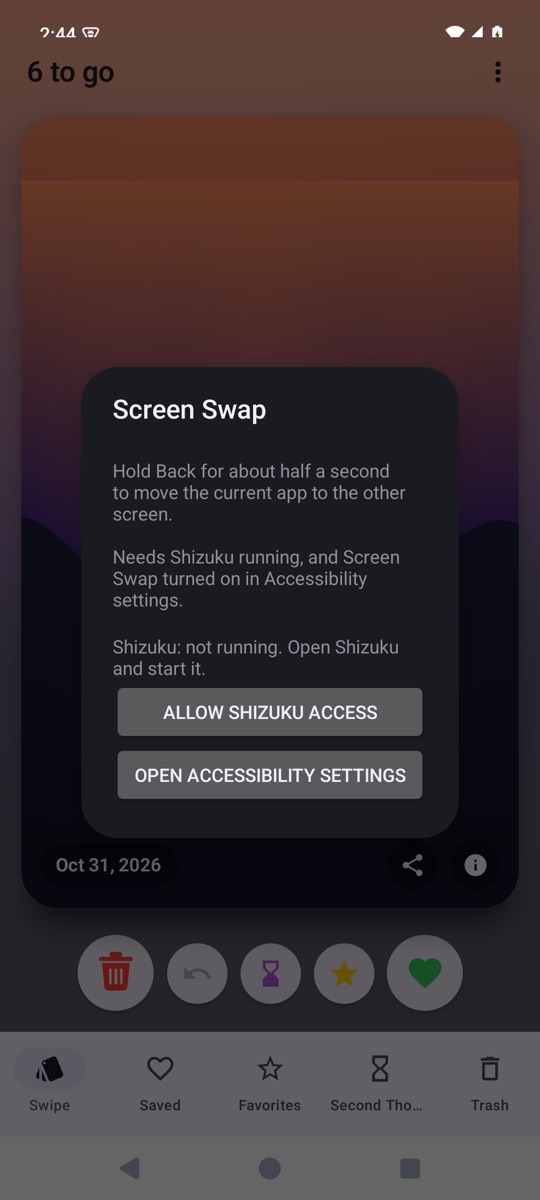
Screen Swap is for Android handhelds with two screens. Hold the Back button for about half a second and the current app jumps to the other display. A short press still works as a normal Back.
What it does
One gesture
Hold Back to swap the current app to the other screen.
Back still works
A short press passes through as a normal Back.
Tiny
The whole app is about 40 KB.
Getting started
- Install and start Shizuku, which gives the app the rights it needs to move other apps.
- Download and open the Screen Swap file on your phone.
- Open Screen Swap and tap Allow Shizuku access.
- Tap Open Accessibility settings and turn on Screen Swap.
Good to know
- Shizuku has to be running for the swap to work.
- This is a test build, so Android will warn that it comes from an unknown source.
File checksums (SHA-256)
- ScreenSwap-1.0-android.apk
c082c7c01a5cfd2a7743fbe20d9b16ba8c4de81f3c9a7b4a08e5f28ee2cb4b4f